Created Sonntag 19 Mai 2024
Change to repository directory:
$ cd <Repository>
Initialize repository:
$ git init
Add the existing files:
$ git add .
Create isnital commit:
$ git commit -m "Initial commit"
Check staged files
$ git status
Connect with remote repository on Github:
$ git remote add origin <URL>
URL: Can be found at the top of the bare repository.

Change to branch and force-move the name master to the new name main:
$ git branch -M main
Push local repository to Github:
$ git push -u origin main
Opens a Connect to Github window (on Windows)
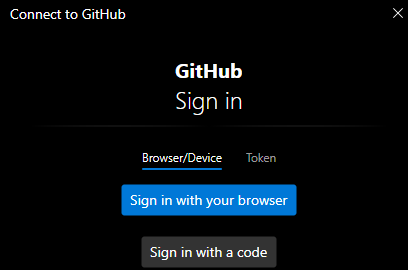
Select your preferd login method.
Upload happens.
Check status with:
$ git status